The security of your WordPress website is critically important for protecting your data and your users'' data. In this article, we will review 10 tips to secure your website.
1. Use Strong Passwords
Make sure all accounts on your website use strong and unique passwords.
2. Update WordPress Regularly
WordPress, theme, and plugin updates help close known vulnerabilities.
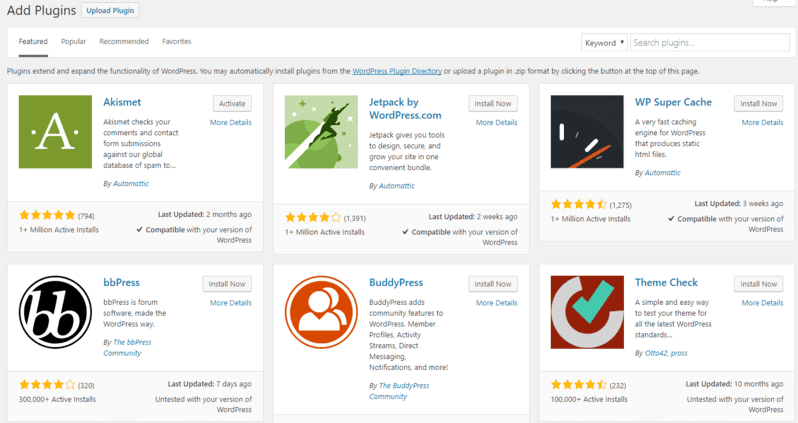
3. Install a Security Plugin
Use plugins like Wordfence or Sucuri to monitor and protect your website.
4. Limit Login Attempts
Install a plugin to limit login attempts and prevent brute-force attacks.
5. Use Two-Factor Authentication
Add an extra layer of protection by enabling two-factor authentication for logins.
6. Create Regular Backups
Make sure you have regular backups of your website that can be restored in case of an attack.
7. Disable File Editing
Disable file editing through the admin panel by adding define('DISALLOW_FILE_EDIT', true); to your wp-config.php file.
8. Use an SSL Certificate
Ensure data encryption between your website and users with an SSL certificate.
9. Restrict Access to the Admin Panel
Restrict admin panel access by IP address or use protection plugins.
10. Monitor Activity Logs
Check activity logs regularly to detect suspicious behavior.
Conclusion
Securing your WordPress website is an ongoing process. Use these tips to reduce risks and keep your website safe.
Learn more about protecting your WordPress website.